
iDeal Legal AI · Microsoft Word Add-in
AI NDA Review: Check Any NDA in Minutes, Inside Word
An NDA is usually the first contract a deal produces and it often gets the least attention. AI NDA review gives you a ranked list of risks and a set of redlines before you sign. Open the NDA in Microsoft Word, pick your side and iDeal Legal AI marks up the document as Track Changes. You decide what stays.
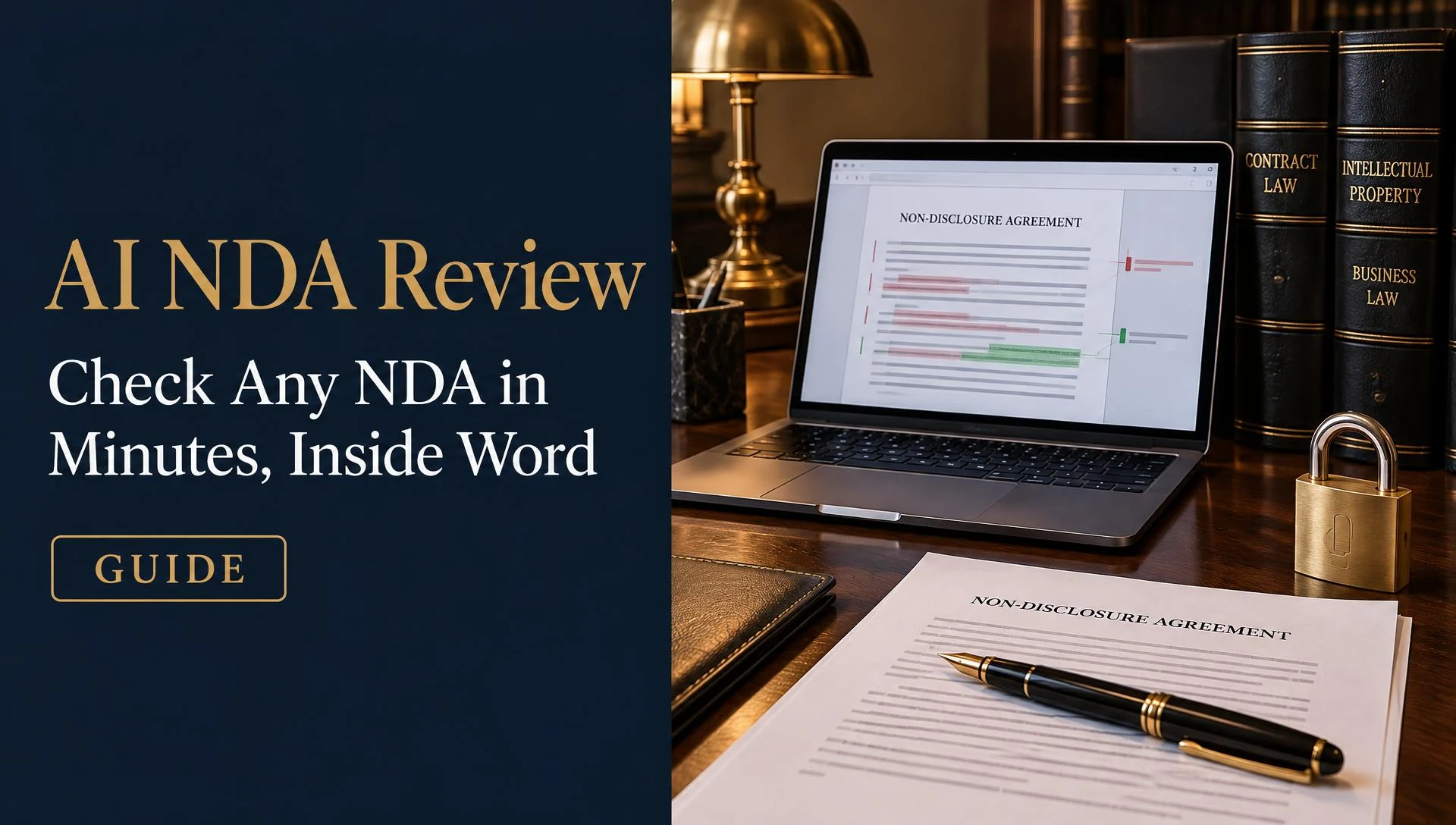
Upload, pick your side, get a ranked NDA review.
What Matters in an NDA
Most NDA review comes down to six checks. A good review covers all of them every time, even when the NDA looks routine.
- 1
Definition of confidential information
Is it limited to what is marked or described as confidential or does it cover everything you share? Broad definitions favor the receiving party's risk exposure, narrow ones favor the discloser.
- 2
Exclusions
Look for the standard carve-outs: information already public, already known to you, independently developed or received from a third party. Missing exclusions are a common problem.
- 3
Term and survival
How long does the agreement last and how long do the confidentiality duties continue afterward? Some NDAs have no end date at all.
- 4
Permitted use
Can the receiving party use the information only for the stated purpose, such as evaluating a deal? Open-ended use language needs a limit.
- 5
Return or destruction
What happens to the documents when the relationship ends? Check who must return or delete them and whether archived copies are allowed.
- 6
Governing law
Which law and court apply? An unfamiliar jurisdiction can add cost if a dispute arises.
NDA Review in Four Steps
You can run an AI NDA review on your next agreement in about the time it takes to make coffee.
- 1
Pick your party.
Tell iDeal whether you are the disclosing party or the receiving party. The same clause can be a risk for one side and an advantage for the other, so the review depends on this choice.
- 2
Run the review.
iDeal reads the NDA in Word and checks it against your positions.
- 3
Read the ranked risks.
Issues are sorted by severity so you start with the clauses that matter most.
- 4
Apply the redlines.
Suggested edits appear as Track Changes. You can accept them one at a time or in bulk then send the draft to the other side.
Your NDA Playbook
A written collection of stances constitutes an NDA playbook, which defines what your enterprise agrees to, what modifications are required, and what terms are denied. Because iDeal contains a pre-constructed NDA playbook, your initial evaluation can be performed without the need to generate guidelines from the beginning.
Afterwards, this manual should be adapted for your specific organization. You might alter the duration that is accepted, include a mandatory exception, or establish a favored legal jurisdiction. It is observed by users that every subsequent NDA evaluation adheres to these specific stances. If the automation of NDA assessments for a group is desired, the playbook should be distributed so that every individual implements identical benchmarks.
Information regarding how these manuals operate is found on the contract playbook software page.
Mutual vs One-Way NDAs
While a one-way NDA provides security for the data of a single entity, a mutual NDA ensures that both sides are protected. Both varieties are managed by iDeal, and the specific side to be guarded is determined by the participant you select for the assessment.
Read our guide to mutual vs one-way NDAs.
FAQ: AI NDA Review
Try AI NDA Review on Your Next NDA
Pick the NDA waiting in your inbox. Install iDeal Legal AI in Word, choose your side and run the review. The free plan gives you credits every month with no card.