
iDeal Legal AI · Microsoft Word Add-in
SaaS and Vendor Contract Review With AI, Inside Word
Vendor paper is written to protect the supplier. SaaS contract review means finding the auto-renewal, the liability cap and the data terms before you sign, not after the first invoice arrives. iDeal Legal AI reviews SaaS agreements, MSAs and vendor contracts inside Microsoft Word. It checks every clause against your company's positions, ranks the risks and proposes redlines as Track Changes.
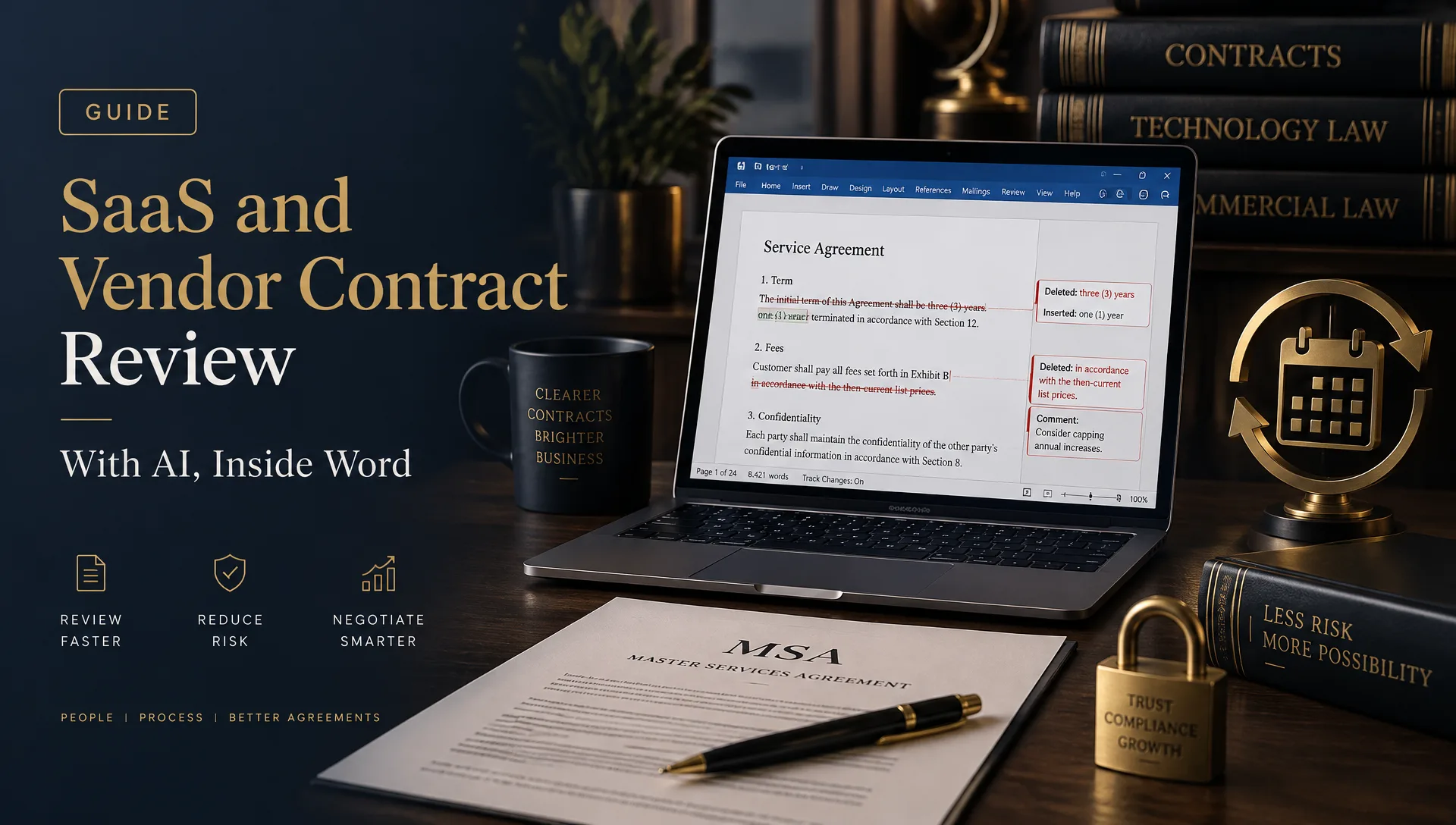
You review the output and you decide what goes back to the vendor.
Where Vendor Paper Hides Risk
Most vendor contract review comes down to the same handful of clauses. They sit in different places from one agreement to the next and are easy to miss in a 30-page order form plus terms of service.
| Clause | Typical trap | How iDeal flags it |
|---|---|---|
| Auto-renewal | Contract renews for a full year unless you cancel 60 to 90 days ahead | Flags the notice window and renewal term, suggests a shorter term or a reminder |
| Liability cap | Cap set at fees paid in the last 12 months with broad exclusions | Flags the cap and compares it with your minimum |
| Indemnity | Vendor indemnity is narrow, yours is uncapped | Flags the imbalance and proposes mutual or capped language |
| Price escalators | Annual increases of 5 to 10 percent or "at vendor's discretion" | Flags uncapped or discretionary increases and proposes a fixed cap |
| Data processing and sub-processors | Vendor can add sub-processors without notice | Flags missing notice and objection rights |
| SLA credits | Service credits are your only remedy for downtime | Flags sole-remedy wording, proposes termination rights for repeated failures |
| Termination for convenience | Vendor can end the contract on 30 days' notice, you cannot | Flags the asymmetry and proposes mutual rights |
These are typical patterns, not rules. Your playbook decides what counts as acceptable for your company.
Review a SaaS Agreement in 5 Minutes
Policy-based review means the tool checks the agreement against positions you set in advance. You do not write new instructions for every contract.
- 1
Open the vendor's draft in Word
Use the .docx the vendor sent or paste the terms into a new document.
- 2
Choose the SaaS playbook
Pick the positions for auto-renewal, liability, data, SLAs and termination that your company accepts.
- 3
Run the review
iDeal reads the full agreement and ranks the deviations by risk.
- 4
Read the redlines
Suggested edits and comments appear in the document as Track Changes.
- 5
Accept, reject or edit
Every change waits for your decision.
For a standard SaaS contract, the first pass takes minutes instead of the hour or two it takes to read and mark up by hand.
Negotiation-Ready Output
A review is only useful if you can send it. iDeal separates what the vendor sees from what stays internal.
Redlines for the vendor
Tracked changes with short, professional comments that explain each requested edit.
Private notes for procurement and legal
Internal comments that explain the risk, the fallback position and who needs to approve a concession.
This split saves time in vendor negotiation. Procurement sees why a clause matters, legal decides on exceptions and the vendor gets a clean redline.
SaaS Contract Negotiation Checklist
Use this short list before you sign any SaaS agreement or MSA.
Term and renewal
What is the initial term? Does it auto-renew? How many days' notice do you need to cancel?
Fees
Are prices fixed for the term? Is there a cap on annual increases?
Liability
What is the cap? Are data breaches, confidentiality and IP claims excluded from it?
Indemnity
Does the vendor cover third-party IP claims? Is your indemnity capped?
Data
Is there a data processing agreement? Who are the sub-processors and will you get notice of changes?
Service levels
What uptime is promised? Are credits the only remedy?
Exit
Can you export your data, and for how long after termination? Can you end the contract if the vendor repeatedly fails the SLA?
Termination
Are termination rights mutual?
What It Costs
On the Starter plan, a review costs about $1.98. Having outside counsel review a SaaS agreement often runs to several hundred dollars or more, depending on the firm and the contract. Run the first pass with iDeal and spend expensive legal time only on the clauses that need it. See the pricing page for every plan.
When to Still Call a Lawyer
AI contract review handles first-pass work well. It does not replace counsel. Call a SaaS contract lawyer when:
The contract value is large or the vendor holds your core operations or customer data.
The agreement involves regulated data, such as health or financial records.
Negotiation turns into a dispute over liability, indemnity or IP ownership.
The vendor refuses to move on terms your business cannot accept.
You need advice on governing law, enforceability or a specific jurisdiction.
Many teams use both. AI handles the first read and the routine redlines; a lawyer reviews the high-risk clauses. If you work with outside counsel, send them the marked-up draft so they start from your issues list. Related reading: AI contract review software.
FAQ: SaaS and Vendor Contract Review
Review Your Next Vendor Contract Free
Pick a SaaS agreement or MSA waiting for review, install iDeal Legal AI in Word and read the redlines directly in the document. The free plan gives you credits every month, no credit card required.