
Clause-Level Issues
Uncovering missing mandatory protective provisions, deviations from acceptable liability caps, improper notice periods, or hidden penalty clauses.
iDeal Legal AI · Microsoft Word Add-in
Break down complex agreements in minutes and get a complete, unified picture of your contract—right inside Microsoft Word. iDeal executes automated contract analysis across your entire document structure, uncovers hidden cross-section contradictions, and verifies every clause using multiple AI models in parallel.
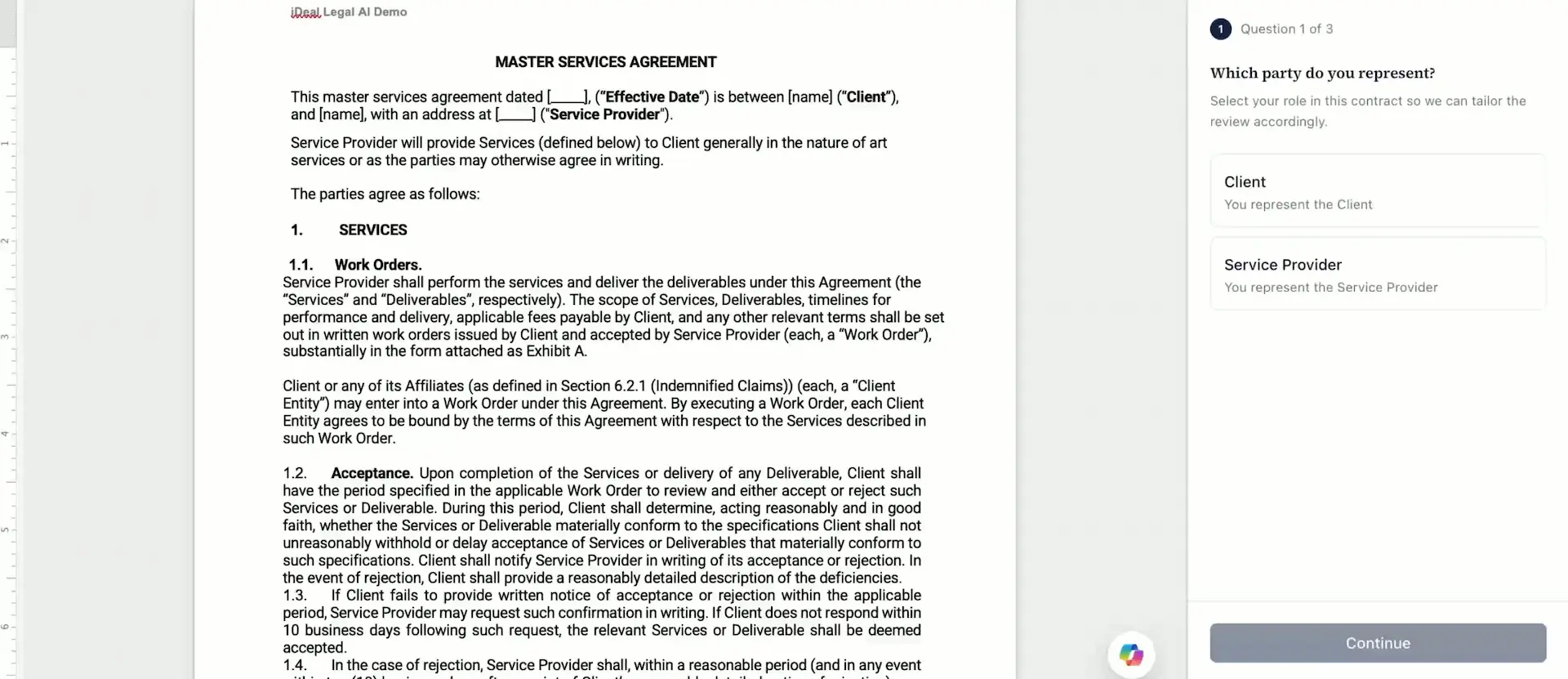
Findings are ranked by severity, with cross-clause conflicts flagged in the document.
The most dangerous legal traps rarely lie on the surface of a single sentence. They hide at the intersection of different sections, where individually drafted terms create cascading business exposure. Modern AI contract analysis discovers systemic structural threats across the document, on two distinct levels:
Uncovering missing mandatory protective provisions, deviations from acceptable liability caps, improper notice periods, or hidden penalty clauses.
Identifying contradictions across sections—for instance, when Section 4.2 guarantees fixed pricing but Schedule C grants the vendor a unilateral right to adjust rates. Keyword searches won’t catch this, and reading clauses individually won’t either.
Checks mechanical consistency, key dates, defined terms, and flags formal textual traps.
Benchmarks every provision against your corporate standards and negotiation playbooks.
Analyzes the contract as an interconnected system, uncovering cross-section contradictions and hidden commercial exposure.
Don’t run identical checks on a 2-page NDA and an 80-page master services agreement. With iDeal, you control review depth and allocate credits by each deal’s risk profile.
Ideal for routine commercial contracts with low-to-medium risk profiles. A rapid review pass that flags key deviations and generates initial markup recommendations.
Available on Professional and higher tiers. Runs multiple independent AI engines in parallel for maximum precision on complex MSAs, SaaS agreements, or high-value transactions.
| Subscription Tier | Monthly Credits | Estimated Contracts | Analysis Mode |
|---|---|---|---|
| Free | 5 | ~3 | Standard |
| Starter | 40 | ~20 | Standard |
| Professional | 100 | ~50 | Multi-AI |
| Small & Medium Biz | 250 | ~125 | Multi-AI |
Review full tier breakdowns on our Pricing page.
A list of thirty uncategorized notes isn’t an analysis—it’s just more work. iDeal sorts findings into clear severity labels. For every finding you get:
Severity Ranking
From High to Low, so you tackle critical liabilities first.
Contextual Explanation
Clear rationale on why a clause was flagged, beyond a simple “risk detected” warning.
Playbook Alignment
Direct comparisons showing how the language aligns with or violates your corporate policy.
Cross-Clause Dependencies
Highlights showing which other provisions interact with the flagged clause.
| Clause / Provision | Flagged Risk / Conflict | Risk Level | Recommended Action |
|---|---|---|---|
| Section 14.3 (Auto-Renewal) | Hidden 24-month renewal extension without early exit rights | High Severity | Insert redline: reduce notice period to 30 days |
| Section 8.1 vs. Section 12.4 | Sec. 8.1 caps liability at $50k, while Sec. 12.4 creates unlimited IP liability | High Severity · Cross-Clause | Reconcile into a single unified liability cap position |
| Section 5.2 (Payment Terms) | Missing explicit timeline for signing acceptance certificates | Medium Severity | Insert specific window (5 business days) |
| Section 18.2 (Force Majeure) | Non-standard list of force majeure events | Low Severity | Align with standard corporate playbook wording |
Illustrative example of how risk ranking is structured, not an actual client report.
No single AI model covers every legal nuance. Instead of one prompt to a generic chatbot, iDeal runs parallel analysis across GPT Claude Gemini
Each model independently reviews the contract text according to your custom instructions.
iDeal compares the output streams and cross-checks discrepancies.
The system confirms findings where models reach consensus, or flags conflicting interpretations for human review.
| Feature / Capability | Single Chatbot Prompt | Multi-AI in iDeal |
|---|---|---|
| Model Count | Single engine | GPT, Claude, and Gemini in parallel |
| Output Verification | Manual self-checking required | Findings automatically cross-checked between models |
| Deliverable Format | Plain text chat response | Risk-ranked analysis with contextual rationale |
| Workspace Environment | External browser tab | Direct integration inside Microsoft Word |
Cross-validation reduces the hallucinations and omissions common to general AI tools. See our ChatGPT vs Claude vs Gemini breakdown.
AI isn’t a black box. Language models map contract text into structured semantic frameworks. When you run an analysis, iDeal follows this workflow:
Breaks the document into logical clauses, structural hierarchies, and cross-references.
Evaluates the substantive legal meaning of each clause rather than simple keyword matching.
Measures provisions against your playbook rules or benchmark legal datasets.
Assigns risk labels and generates rationale for every flagged item.
Drafts ready-to-use Track Changes and counterparty comments.
Inside iDeal, the Junior Associate handles initial parsing, the Legal Associate checks playbook compliance, and the Senior Counsel evaluates cross-clause dependencies—a force multiplier for your analytical workflow, not a replacement for legal expertise.
Your next contract review doesn’t have to mean another late evening. Install the add-in from Microsoft AppSource and run your first deep AI contract analysis directly inside Word.